

UX Research
Making Onboarding Efficient
Project Overview
Streamlining the onboarding documentation and creating a more efficient and intuitive process that the user can follow and refer to during the process.
Tools Used
- Figma
- FigJam
Problem Statement
Starting a new Project is stressful, onboarding procedures shouldn’t add to it. Our goal for this project was to streamline onboarding processes and create a document that a new joinee can follow through to complete their onboarding.
First Steps
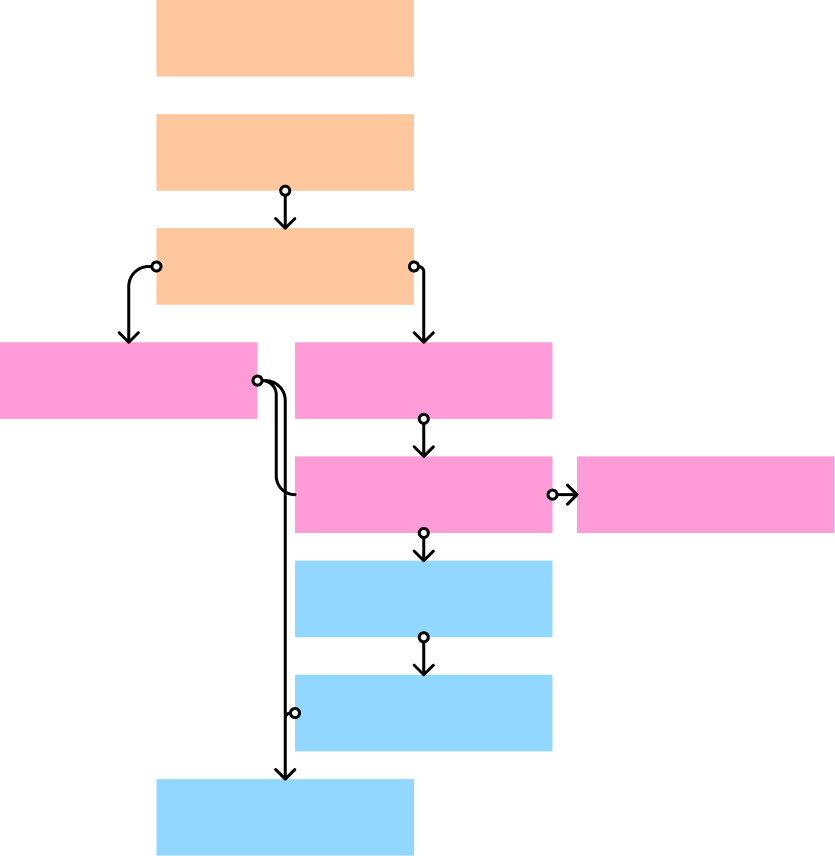
We first started with compiling and laying out the current process so as to identify the gaps and any overlap in the process. Once we had that down on the board we moved forward to streamlining the process. Creating sub-categories for steps in the same department.
Old Process
The old process for the company onboarding was a long and overlapping process. With many steps having pre-requisites or mandatory steps that need to be done, which the new joinee would then have to scramble to complete. It also didn’t mention specifics for document submission, thus leading to mistakes made following document type and signatures.
New Process
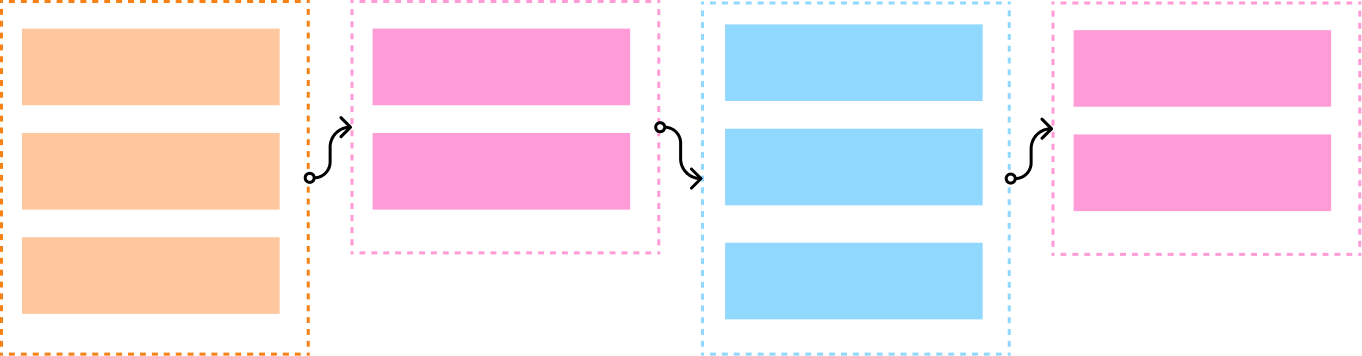
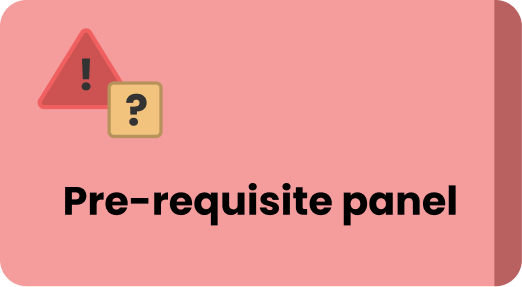
We streamlined the process and broke it down into chunks, that were easy to follow. For sections that required certain steps to be completed or confirmations from admin, a clear pre-requites section was added at the top, detailing the requirements so as to avoid any confusion. We used clear and to the point language in the documentation and also provided a easy way to refer to old steps.
however, while working on this step, we came across another problem that we had overlooked.
Since the onboarding was for a different company, many terms and shortcuts used in the onboarding process were foreign to new onboarding members.
Our Solution
Since the onboarding was for a different company, many terms and shortcuts used in the onboarding process were foreign to new onboarding members.
Final Documentation
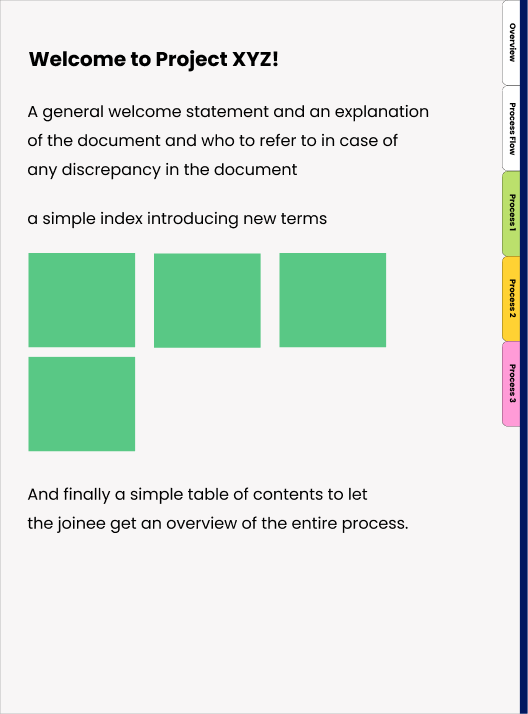
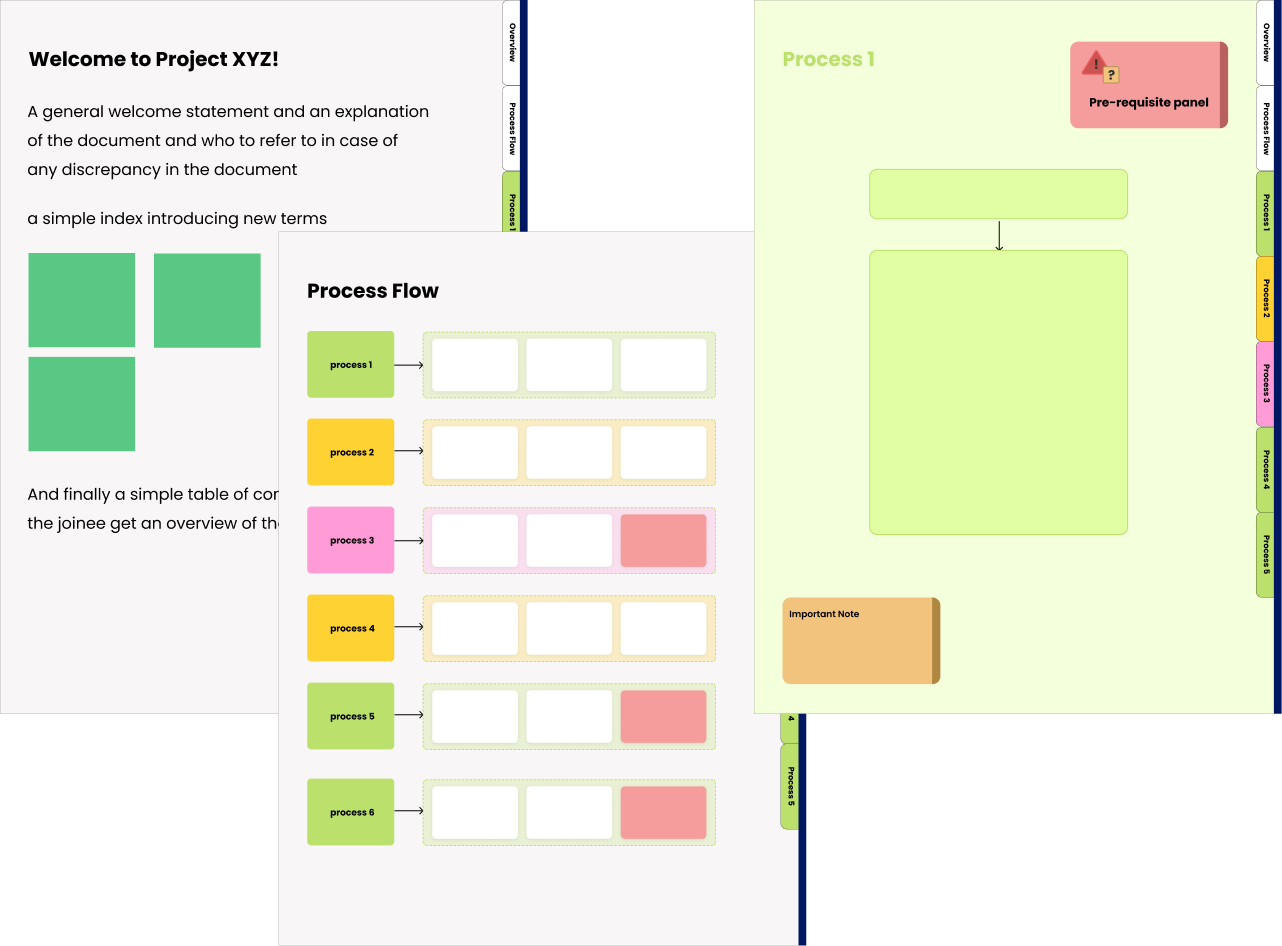
The final step was collecting and creating a new onboarding document. Keeping in mind all our results and ideas we created a interactive and simple to follow pdf document, with clickable links taking you directly to the portal mentioned in the steps as well as interactivity within the pdf, allowing you to move between process pages via tabs.
Utilising Colors and Visual Cues
To make the document intuitive we utilised visual cues, colour coding the different processes to allow easy differentiation at a glance.

Final Results and Next Steps
34%
Total time required for onboarding reduced by 34%
Static screens
Working on creating an engaging user flow with only static screens
PDF form
Creating designs and flows that translate and present well in a pf form
The Onboarding document was the start of a bigger re-design. The new onboarding document proved to increase efficiency of onboarding employees and reduced the total time required to onboard to the project by 34%. It was a great way to practice UX principles as well as design principles like proximity and similarity. It was also interesting to tackle the designing in a way that can be translated into a pdf document, i.e creating ways to draw attention to certain information, allowing the user to still get a visual of their progress etc. without the aid of interactions. We were then tasked to gamify and create an interactive portal for onboarding which would be part of a bigger resource management portal for the company.